Slack Agent
Use Mitzu Agent directly in Slack to ask analytics questions without leaving your team's communication tool. The Slack agent has the same analytical capabilities as the web agent: segmentation, funnels, retention, and data exploration.
Setting up the Slack app
Install the app
Install the Mitzu Slack app using the button below. Anyone with permission to add apps to the Slack workspace can complete the installation.

Invite the app to channels
After installing the app, you need to invite it to every channel where you want to use it. In the channel, type:
/invite @Mitzu
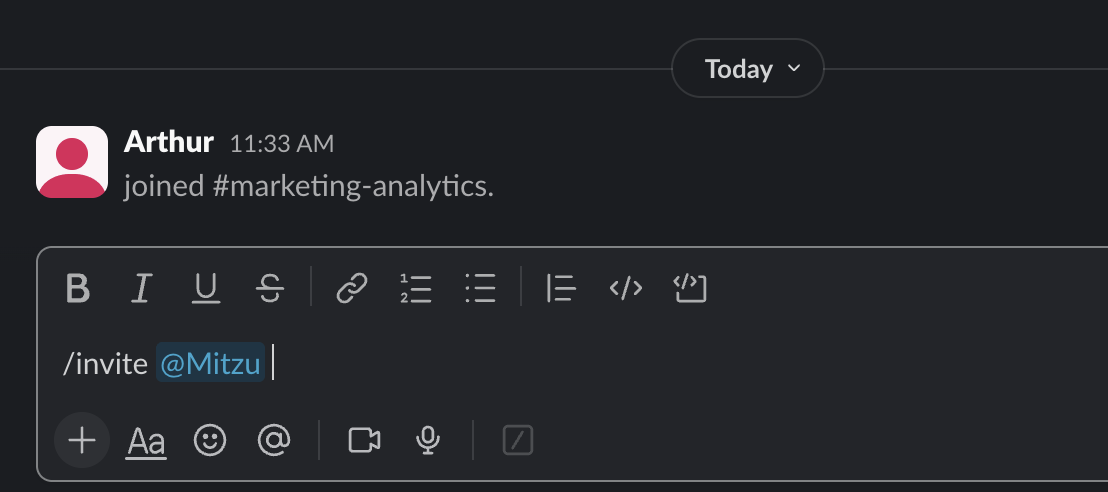
The bot will only respond to mentions in channels where it has been invited.
Authentication
The first time you mention the Mitzu bot, it will reply with an ephemeral message (only visible to you) asking you to log in. Click the Log in button to connect your Slack account to your Mitzu workspace. Once authenticated, mention the bot again, and it will process your question.
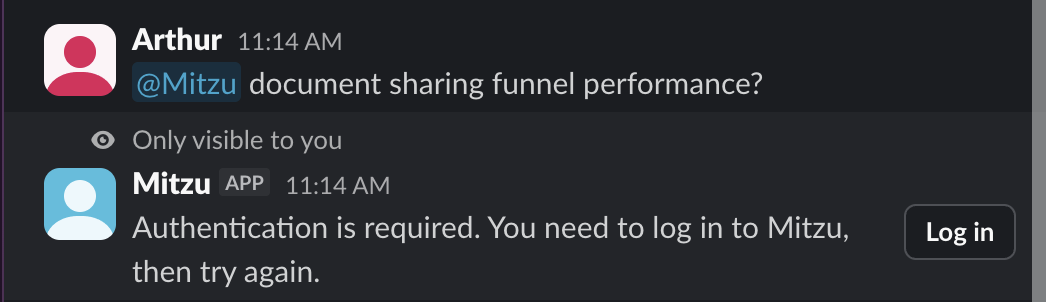
Each Slack user needs to authenticate individually. The bot uses your Mitzu account permissions to determine which workspaces and data you can access.
How to use
Mention the Mitzu bot in any channel where it's been added:
@Mitzu How many users signed up last week?
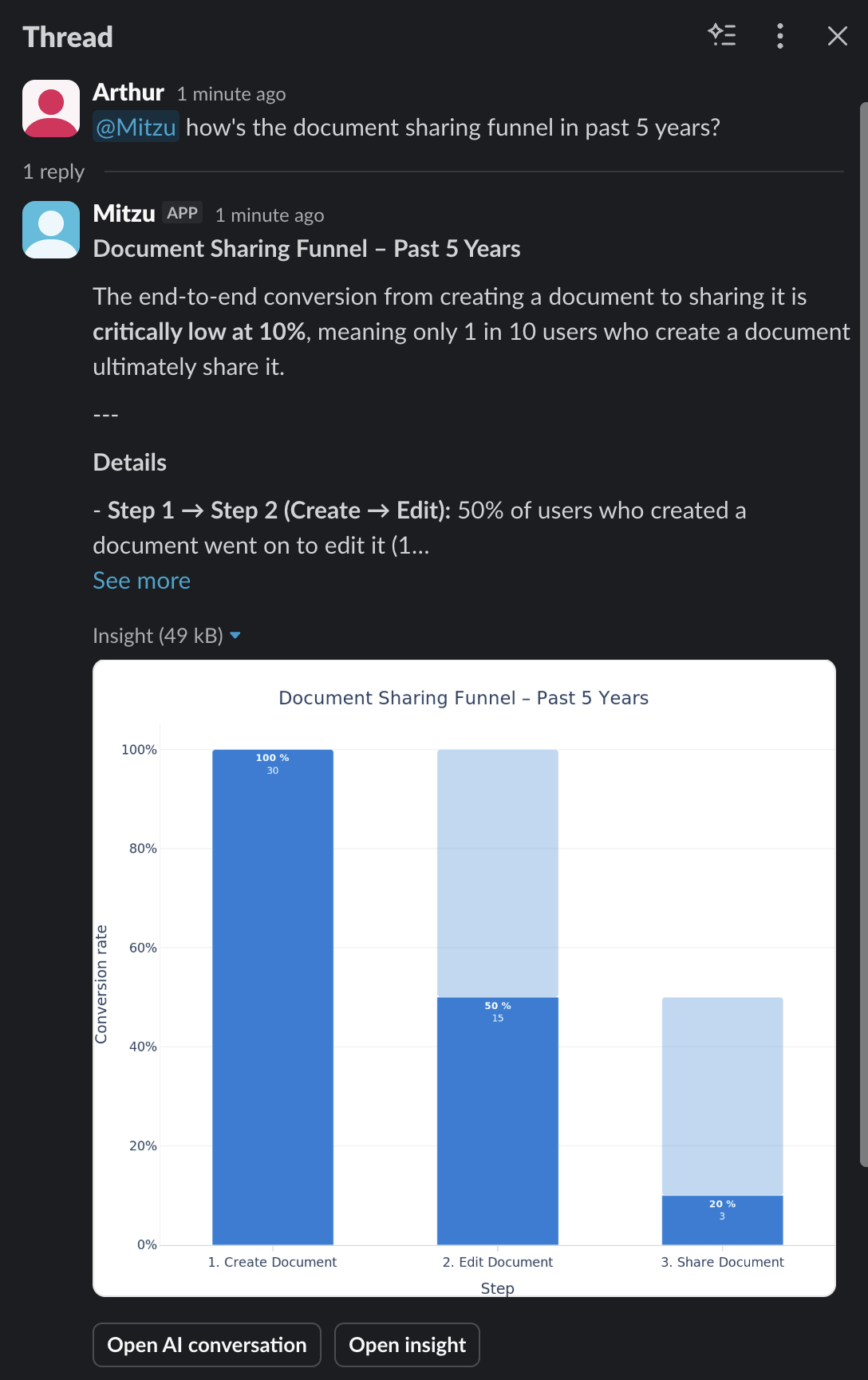
The bot will reply in a thread with the analysis results, including a text summary and a chart. At the bottom of the response, you'll find two buttons:
- Open AI conversation — opens the full conversation in the Mitzu web app
- Open insight — takes you directly to the generated chart in Mitzu
Thread conversations
Follow-up questions in the same Slack thread maintain conversation context. The agent remembers what you discussed earlier in the thread, so you can refine your analysis step by step. Always mention @Mitzu in each message; the bot only processes messages that tag it directly.
@Mitzu Show me signups this month
Agent responds with chart and summary
@Mitzu Break that down by country
Agent updates the analysis with a country breakdown
Chat history
Slack conversations are part of your chat history in the Mitzu web app. You can find and continue any Slack conversation from the All Content page, just like conversations started from the web interface.