Custom Events
Custom events allow you to save frequently used event combinations, making it easier to reuse them without manually selecting events each time.
Creating a custom event
- Navigate to the
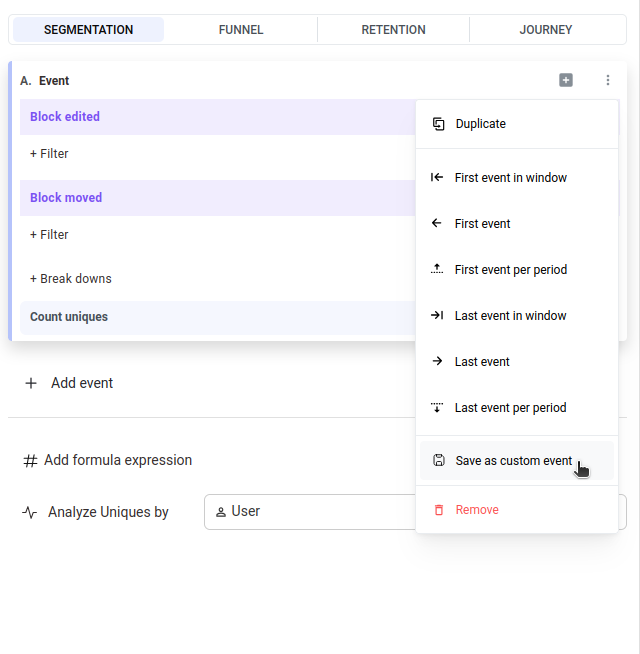
Insightspage. - Select the events you want to include in the custom event.
- Click on
Save as custom event.
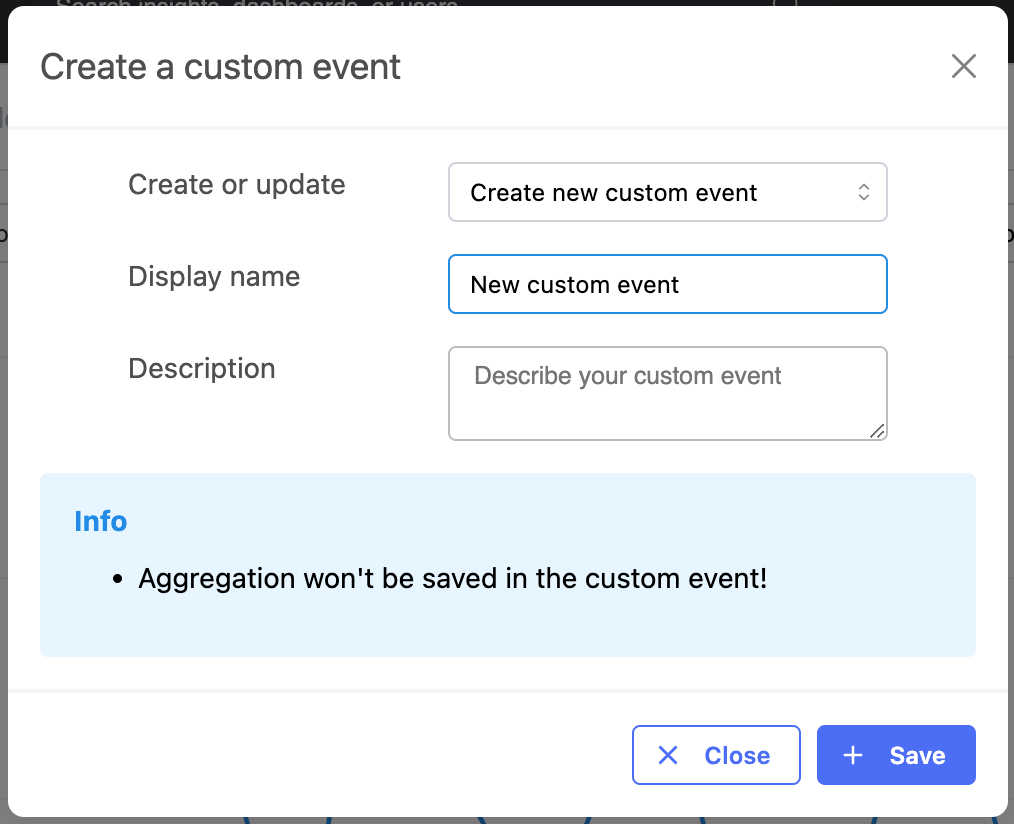
- A modal will appear where you can set the name and description of the custom event.
- Save the custom event by clicking the save button.
Viewing and managing custom events
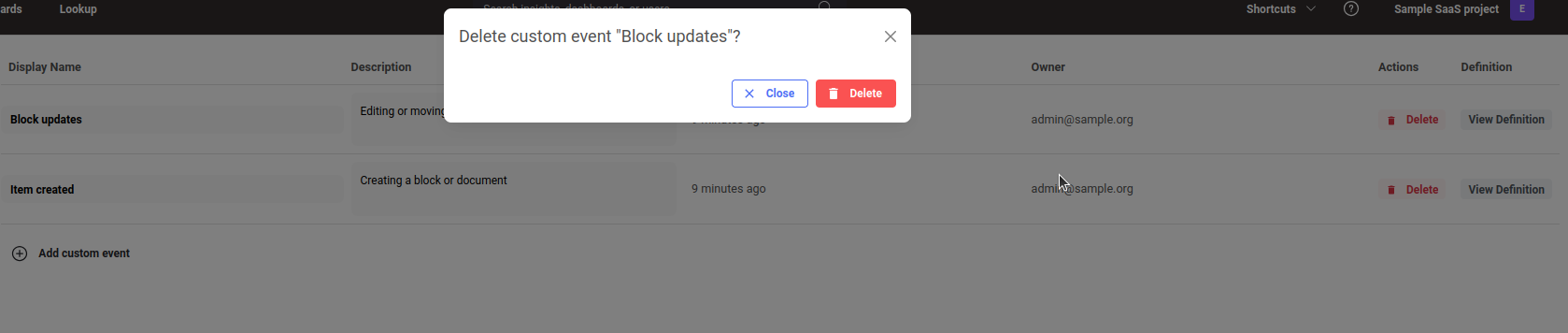
You can manage your custom events in the Custom events tab on the Workspace Settings page. There, you will find a list of all saved custom events.

- Clicking
View definitionwill take you to the insights page, where you can use the custom event. - You can update the name and description of a custom event directly from the table.
- You can remove a custom event by clicking the delete button.